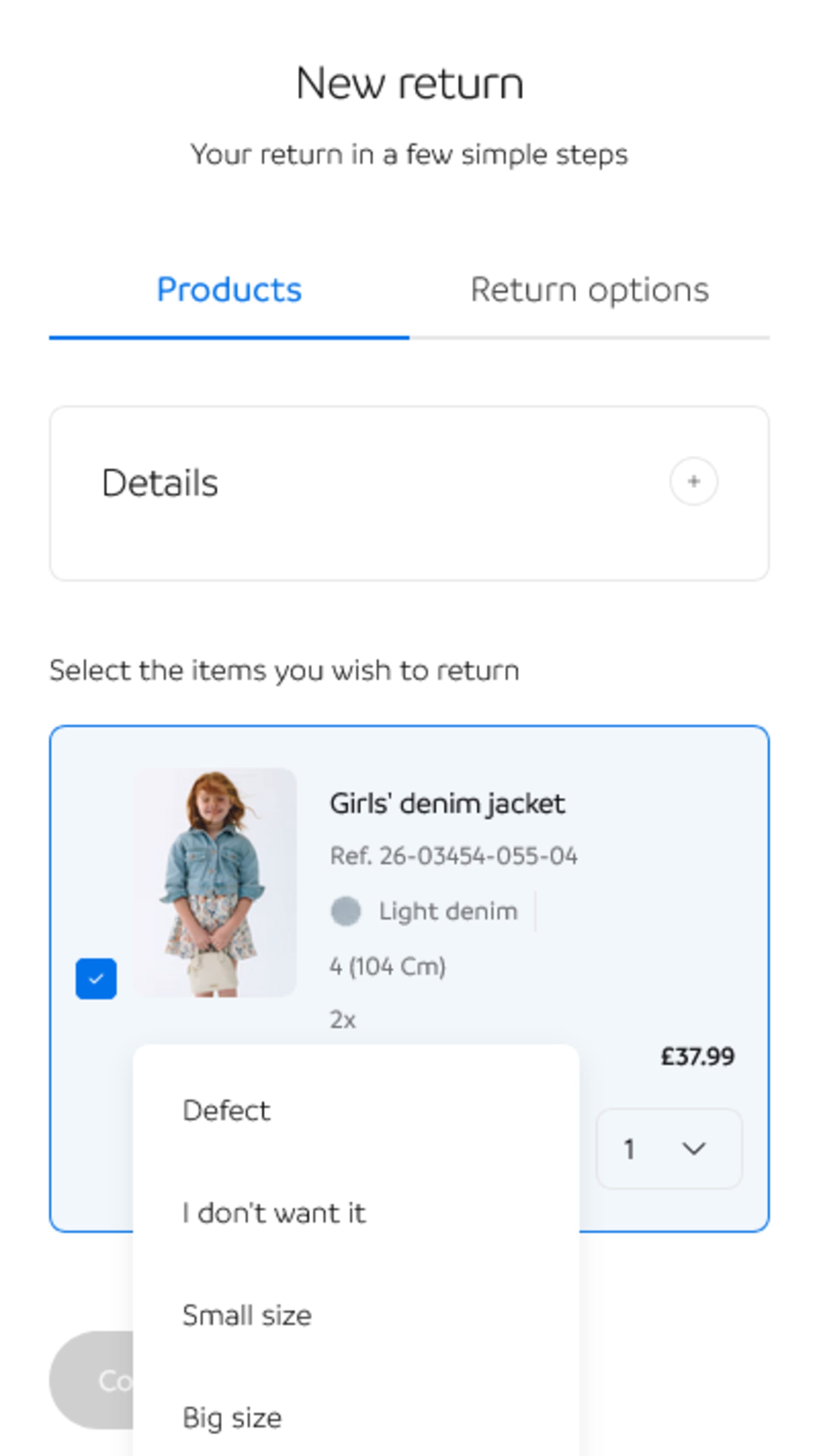
Step 1
Access your order and select the items to be returned
You will also need to select the reason for the return. Then, press "Continue".
You will also need to select the reason for the return. Then, press "Continue".
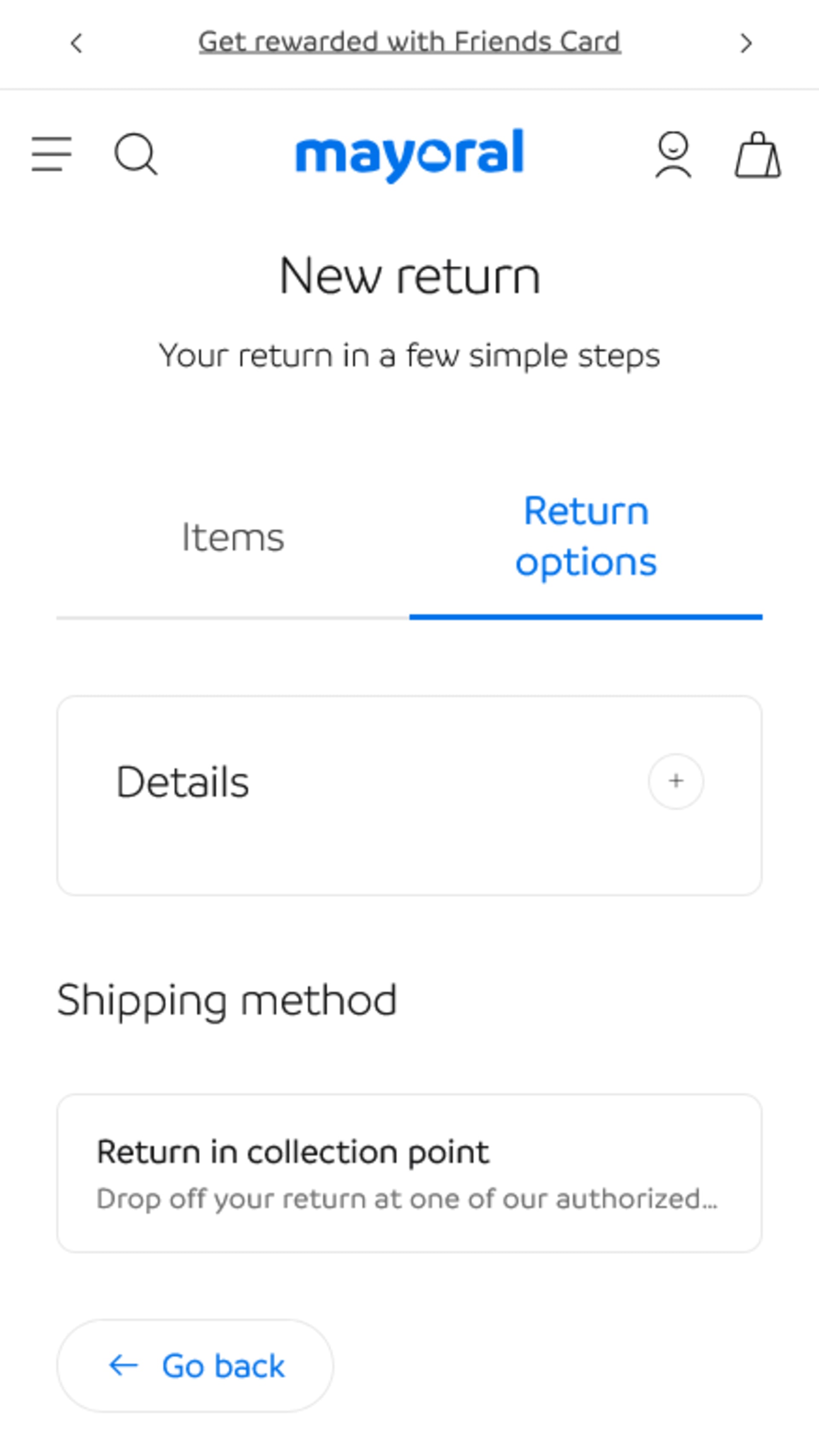
Option:
• Drop-off point return
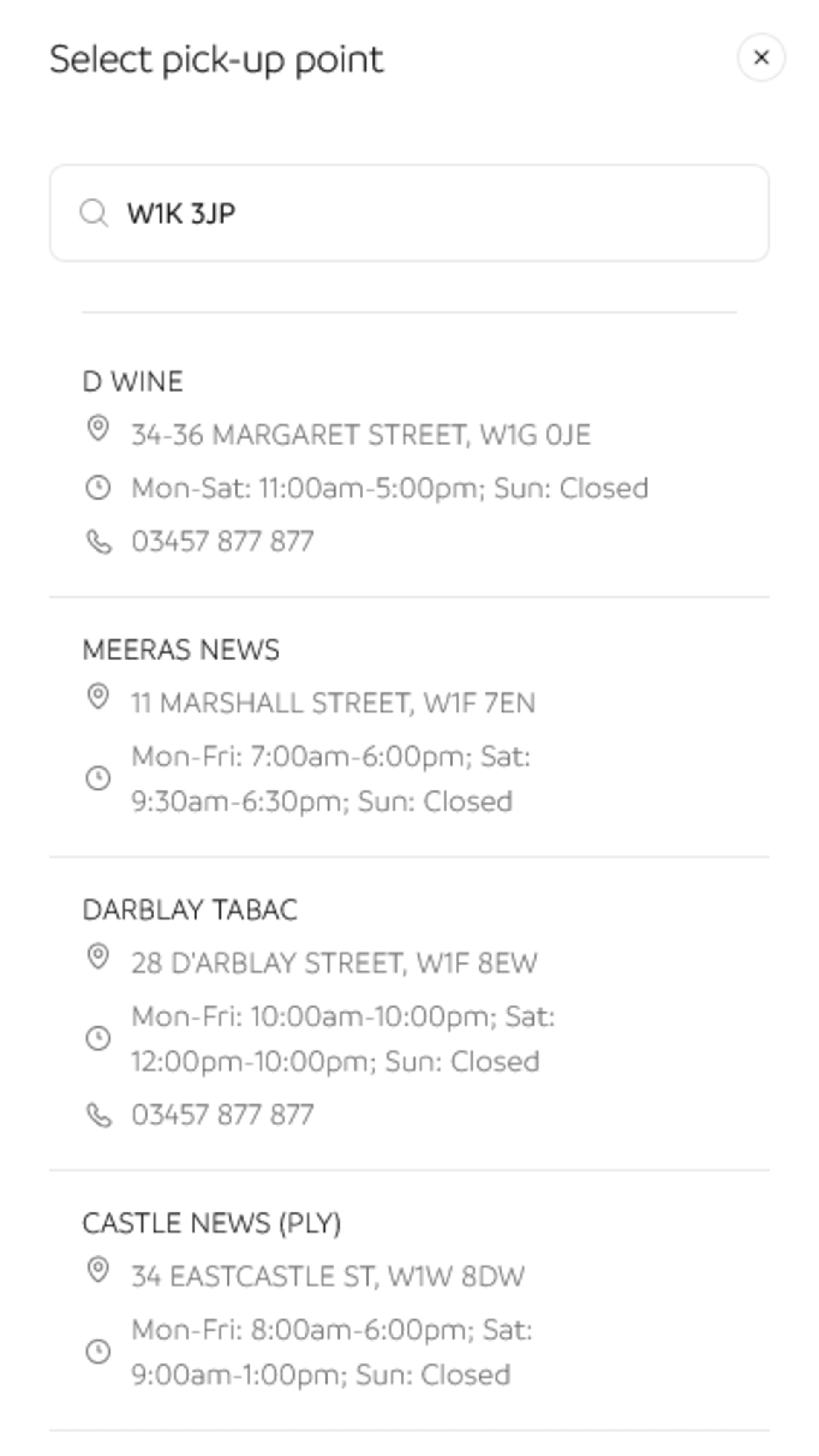
Select "Drop-off point return" and if you'd like, you can find the nearest drop-off location by entering your zip code in "Find your nearest drop-off point". You can also look it up at www.ups.com.
Check the "Receive label" option, the label will be sent to you by email (it may take a few hours; please also check your spam folder) and stick it on the package in a visible spot, with no other labels on it. Make sure to use appropriate packaging.